



Description
Download Readon TV Movie Radio Player – Free Online TV & Radio Streaming App for Windows, Mac, Android, iOS
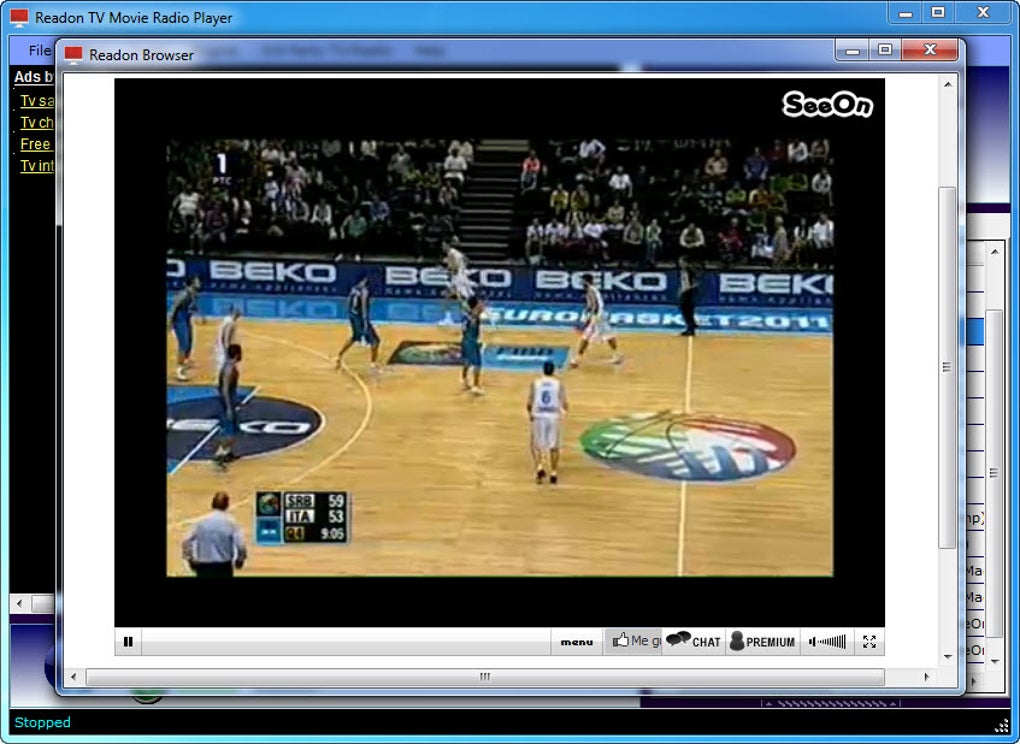
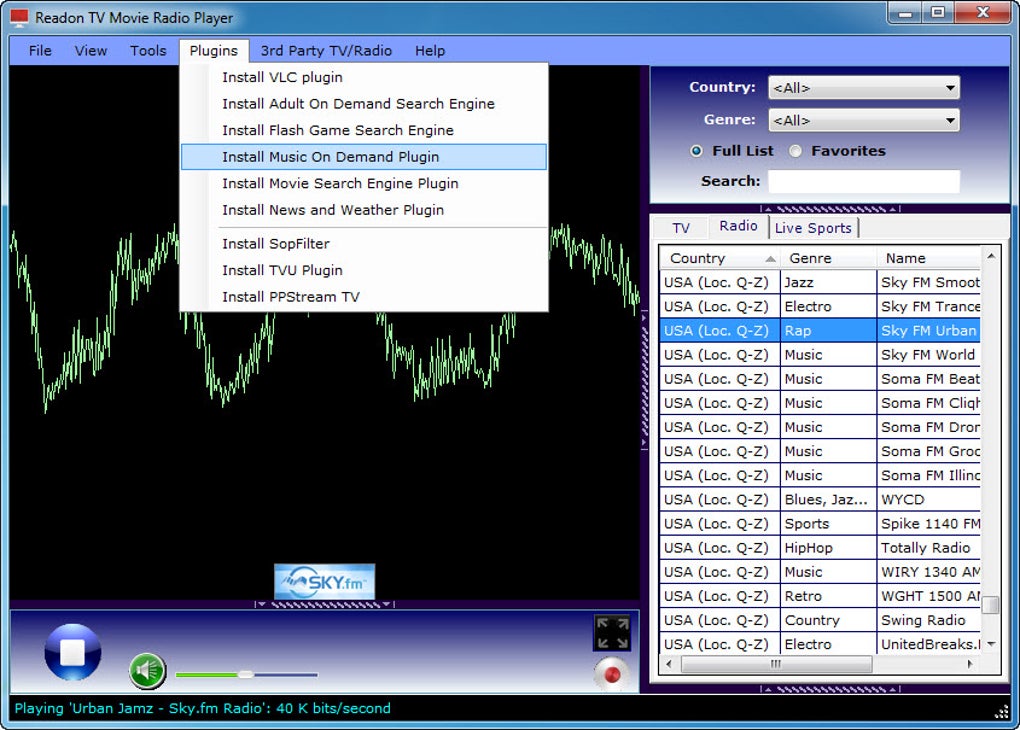
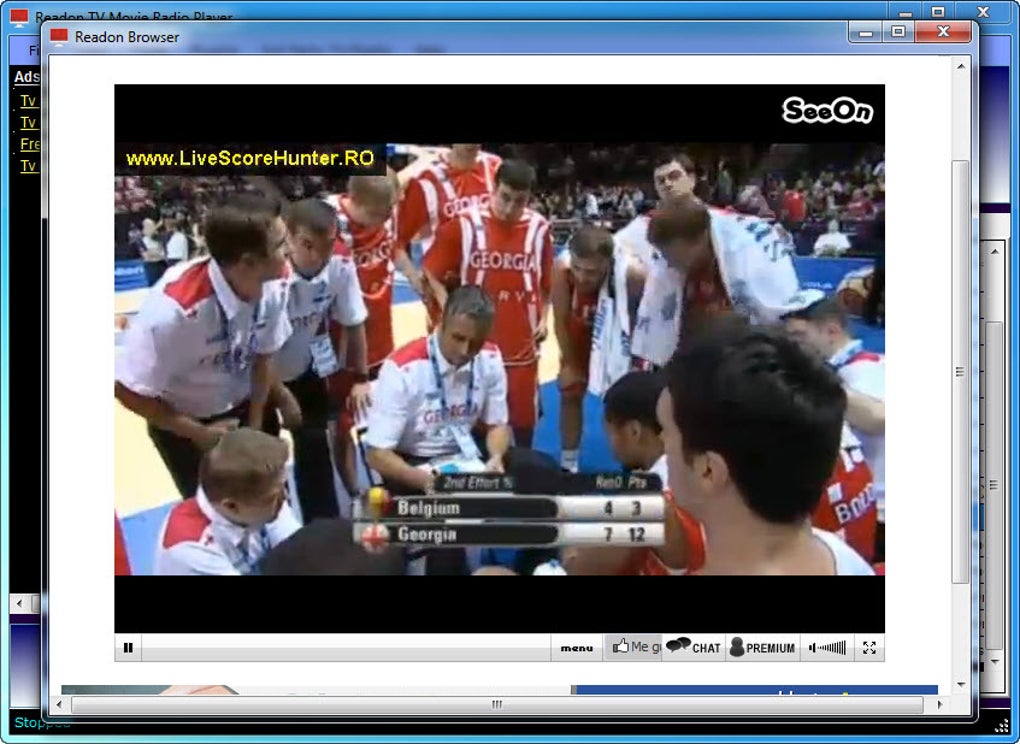
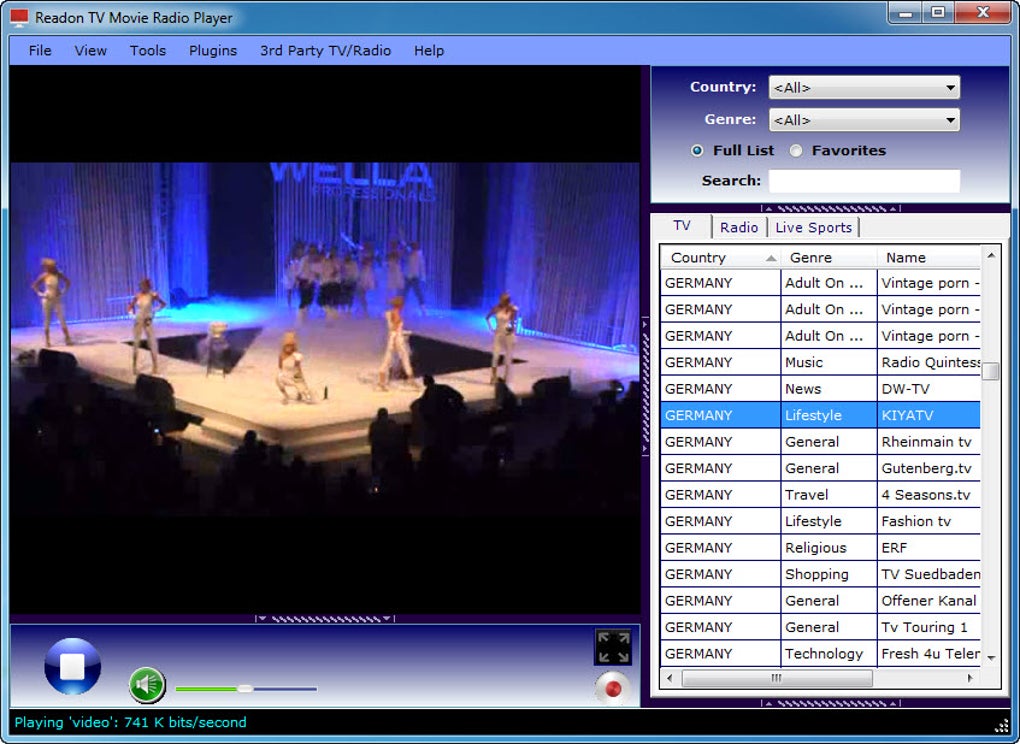
Looking for a reliable, free, and secure way to watch live TV and listen to online radio from anywhere in the world? Readon TV Movie Radio Player is your go-to solution. This powerful internet TV app allows users to stream hundreds of live TV channels, radio stations, and live sports events—all without a subscription. Whether you're on your Windows PC, Mac, Android device, or iOS smartphone, Readon TV Movie Radio Player delivers a seamless multimedia experience. Despite its plain-looking interface, the app is highly functional, offering intuitive navigation through dedicated tabs for TV, Radio, and Live Sports. Simply click on your preferred category, browse the extensive list, and start streaming with a single double-click. With support for external plug-ins like VLC, users can even record live streams for later playback. Though stream quality may vary depending on the source, the sheer variety of content makes it a top choice for global entertainment seekers.
Key Features of Readon TV Movie Radio Player
Readon TV Movie Radio Player stands out in the crowded space of online streaming tools thanks to its comprehensive feature set and user-focused design. One of its most notable features is the extensive library of live TV and radio channels from around the globe. From local news and sports broadcasts to international music stations and entertainment networks, the app offers a diverse selection that caters to a wide audience. The interface, while not visually polished, is highly functional, with clearly labeled tabs for TV, Radio, and Live Sports, making navigation straightforward even for first-time users.
Another major advantage is the no-cost access to premium content. Unlike many streaming platforms that require monthly subscriptions, Readon TV Movie Radio Player is completely free to download and use. This makes it ideal for users looking to cut down on entertainment expenses without sacrificing quality or variety. The app also supports stream recording via external plug-ins, allowing users to save live TV or radio broadcasts for offline viewing or listening—perfect for catching up on missed episodes or favorite shows.
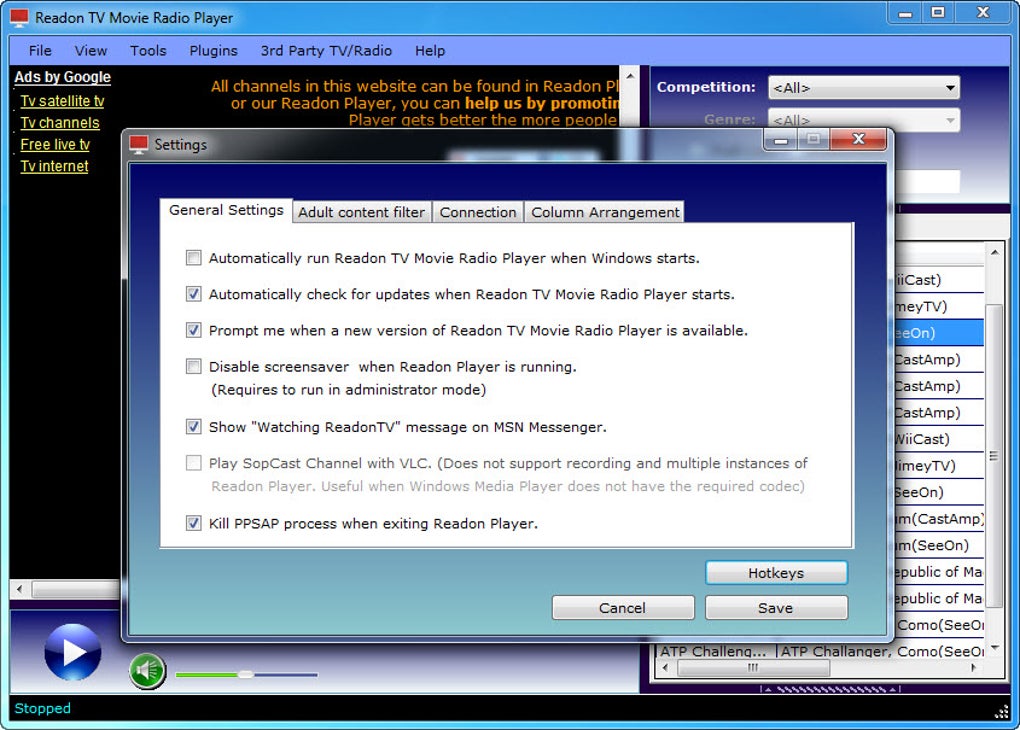
For advanced users, the software offers plugin integration to extend functionality. By installing compatible plug-ins like VLC, users can unlock features such as enhanced playback stability, better audio output, and improved recording capabilities. The app is also compatible with multiple platforms, including Windows, Mac, Android, and iOS, ensuring that you can enjoy your favorite content across all your devices. Whether you're at home, on the go, or traveling abroad, Readon TV Movie Radio Player keeps you connected to global media with minimal setup and maximum convenience.
- Stream hundreds of free online TV channels and radio stations worldwide
- Support for live sports, news, music, and entertainment content
- Simple double-click playback with no complex setup
- Record live streams using external VLC plug-in
- Available for Windows, Mac, Android, and iOS devices
- Lightweight and fast, with minimal system resource usage
- Regular updates to improve stability and add new channels
How to Install and Use Readon TV Movie Radio Player
Getting started with Readon TV Movie Radio Player is quick and hassle-free. Begin by visiting the official website or a trusted software repository to download the latest version of the app. Choose the correct installer based on your operating system—Windows, Mac, Android, or iOS. The download is secure and free from malware, ensuring a safe experience from the start. Once downloaded, run the installer and follow the on-screen prompts. The installation process typically takes less than a minute and requires no advanced technical knowledge.
After installation, launch the app. The main interface will display three primary tabs: TV, Radio, and Live Sports. Click on any tab to browse the categorized list of available streams. Each entry includes the channel name, country of origin, and sometimes a brief description. To start watching or listening, simply double-click on any channel—the stream will load instantly in a new window. If you're using a Windows or Mac version, you may need to install the VLC plug-in separately to enable recording features. This can be done through the app’s built-in plugin manager or by downloading it from the official VLC website.
For optimal performance, ensure your internet connection is stable and fast enough to support HD streaming. The app automatically adjusts quality based on bandwidth, but a minimum of 5 Mbps is recommended for smooth playback. You can also customize playback settings, such as audio output and window size, through the app’s settings menu. Regularly check for updates to ensure you’re using the latest version, which often includes new channels, bug fixes, and improved compatibility. With its straightforward setup and intuitive controls, Readon TV Movie Radio Player is perfect for users of all skill levels.
Compatibility and System Requirements
One of the strongest aspects of Readon TV Movie Radio Player is its broad cross-platform compatibility. Whether you're using a Windows PC, Mac, Android smartphone, or iOS tablet, you can enjoy uninterrupted streaming. The software is designed to work efficiently on both older and newer devices, making it accessible to a wide range of users. For Windows users, the app supports Windows 7 and later versions, including Windows 10 and Windows 11. On Mac, it runs smoothly on macOS 10.14 (Mojave) and later, including Apple Silicon (M1/M2) Macs.
Android users can download the app from the Google Play Store or via direct APK file from the official site. The Android version is optimized for mobile screens and includes touch-friendly controls for easy navigation. Similarly, iOS users can find the app on the Apple App Store, though availability may vary by region. The mobile versions offer a streamlined experience, ideal for watching short clips, listening to music, or catching up on news while on the move.
System requirements are modest, ensuring the app runs smoothly even on lower-end devices. For desktop versions, a minimum of 2 GB RAM and 500 MB of free disk space is recommended. A stable internet connection is essential for uninterrupted playback. The app does not require a powerful GPU or processor, making it a lightweight choice compared to other streaming tools. With regular updates, the developers continue to enhance compatibility with new OS versions and fix known issues. Whether you're at home or traveling, Readon TV Movie Radio Player ensures you can access your favorite content anytime, anywhere.
- Windows 7, 8, 10, 11 (32-bit & 64-bit)
- macOS 10.14 (Mojave) and later (Intel & Apple Silicon)
- Android 6.0 (Marshmallow) and above
- iOS 12 and later (iPhone & iPad)
- Requires stable internet connection (5 Mbps recommended)
- Minimal system resources – runs on older hardware
Pros and Cons of Readon TV Movie Radio Player
Like any software, Readon TV Movie Radio Player has its strengths and limitations. Understanding these can help you decide if it’s the right fit for your streaming needs.
Pros:
- Free to download and use – No hidden fees or subscription models
- Massive content library – Access to hundreds of global TV and radio stations
- Simple, intuitive interface – Easy navigation with clear tabs for TV, Radio, and Live Sports
- Multi-platform support – Works on Windows, Mac, Android, and iOS
- Stream recording capability – With external VLC plug-in, save live content for later
- Lightweight and fast – Minimal impact on system performance
- Regular updates – New channels and bug fixes are frequently released
Cons:
- Interface is outdated – Lacks modern design and visual polish
- Stream quality varies – Some channels offer low resolution or buffering
- External plug-ins required – Recording and advanced features need additional downloads
- Not all channels are available – Some links may be broken or region-locked
- No built-in search function – Users must browse manually through lists
Frequently Asked Questions (FAQ)
Here are some of the most common questions users have about Readon TV Movie Radio Player:
- Is Readon TV Movie Radio Player free to download?
-
Yes, Readon TV Movie Radio Player is completely free to download and use. There are no subscription fees or hidden charges. You can access hundreds of online TV and radio channels at no cost.
- Can I record live TV or radio streams?
-
Yes, but you’ll need to install an external VLC plug-in. Once configured, you can record live streams for offline playback. The app itself doesn’t include built-in recording tools.
- Is Readon TV Movie Radio Player safe to use?
-
Yes, when downloaded from the official website or trusted sources, the software is secure and free from malware. Always avoid third-party sites to prevent potential risks.
- Does it work on Android and iOS devices?
-
Yes, Readon TV Movie Radio Player is available for Android (via Google Play or APK) and iOS (Apple App Store). The mobile versions offer a simplified interface tailored for smartphones and tablets.
- Why do some channels not work or buffer frequently?
-
Stream quality depends on the source server and your internet connection. Some channels are hosted on unstable servers or are region-locked. A faster, stable connection improves playback performance.
Final Verdict and Call to Action
Readon TV Movie Radio Player is a powerful, free, and secure tool for anyone who loves online entertainment. Despite its outdated interface, its robust feature set, vast content library, and multi-platform support make it a standout choice among internet TV apps. Whether you're watching live sports, tuning into international radio, or exploring global news, this software delivers unmatched accessibility without the need for subscriptions.
If you're looking for a reliable way to stream live TV and radio across your devices, download Readon TV Movie Radio Player today. It’s lightweight, easy to use, and regularly updated to ensure the best experience. Don’t miss out on the world’s most diverse media content—start streaming now with no cost and no hassle.
Download Readon TV Movie Radio Player now and enjoy free, secure, and instant access to global entertainment.
Guides & Tutorials for Readon TV Movie Radio Player
How to install Readon TV Movie Radio Player
- Click the Preview / Download button above.
- Once redirected, accept the terms and click Install.
- Wait for the Readon TV Movie Radio Player download to finish on your device.
How to use Readon TV Movie Radio Player
This software is primarily used for its core features described above. Open the app after installation to explore its capabilities.
User Reviews for Readon TV Movie Radio Player 0
No reviews found





